
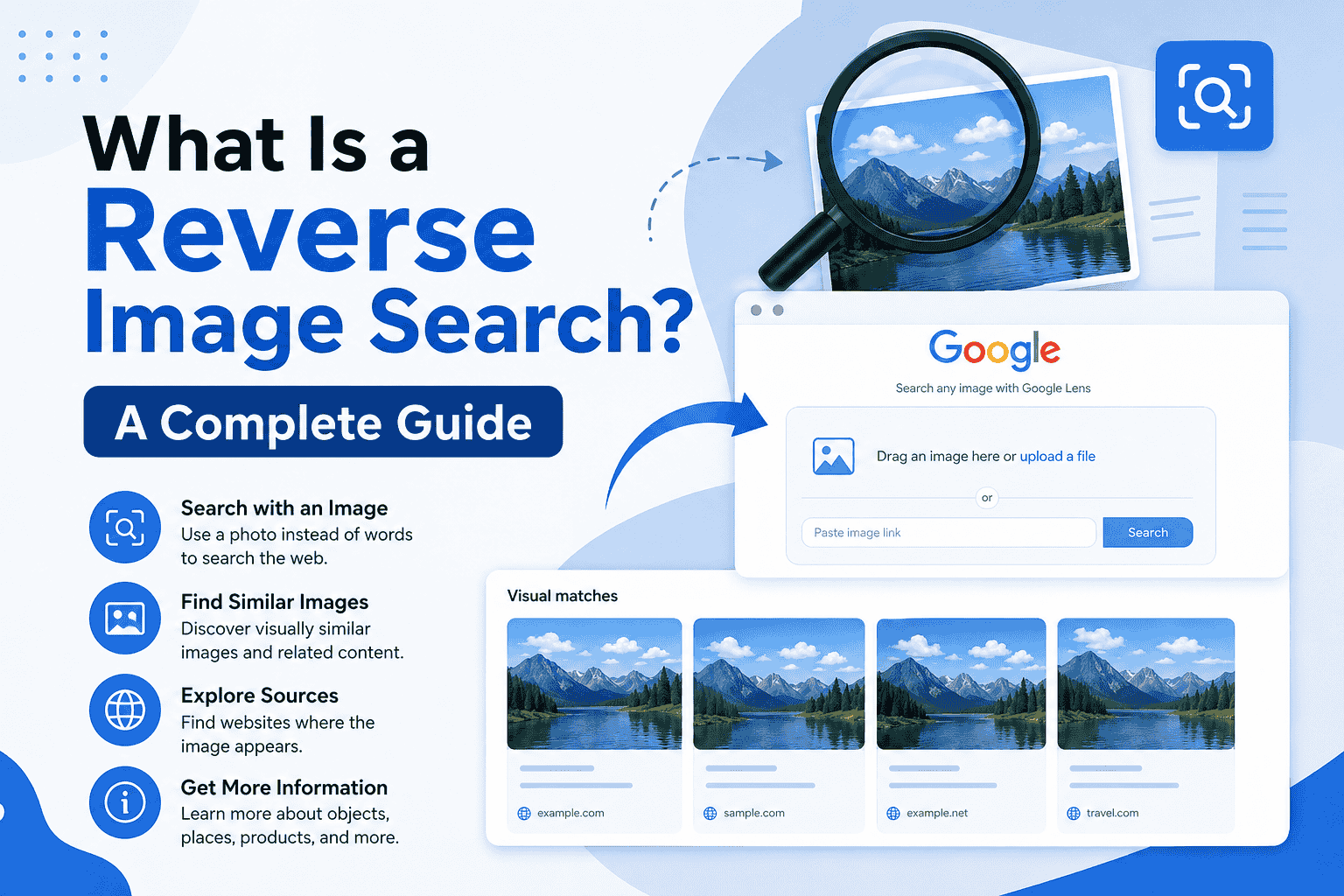
Images are everywhere on the internet, but finding information about them isn’t always easy. You may have a photo saved on your phone or computer and want to know where it came from, who created it, or whether similar versions exist online.
This is where reverse image search can help. Instead of entering words into a search engine, you upload an image or provide its URL to find visually similar images and related information.
In this guide, you will learn what is a reverse image search, how it works, and how to reverse image search on Google.
What Is a Reverse Image Search?
A reverse image search is a search technique that uses an image as the search query instead of text. You upload a photo, paste an image URL, or select an image from your device, and the search engine analyzes it to find matching or visually similar results.
A traditional image search starts with keywords such as “red sports car” and returns images related to those words. Reverse image search works in the opposite direction: you start with the image and let the search engine identify visual matches and related information.
For example, suppose you find an unfamiliar product image online. A reverse image search may help you discover:
- Websites using the same image
- Similar versions of the image
- Related products
- Higher-resolution copies
- Possible original sources
- Additional information about objects shown in the image
How Does Reverse Image Search Work?
Reverse image search systems use computer vision and image-recognition technologies to analyze an image’s visual characteristics.
When you upload an image, the system may examine elements such as objects, shapes, colors, patterns, and other visual features. It then compares these characteristics with images available in its index and returns relevant matches or visually similar results.
The process can generally be understood in four steps:
| Step | What Happens |
| 1. Upload | You provide an image or image URL |
| 2. Analysis | The system examines the image’s visual characteristics |
| 3. Comparison | The image is compared with indexed images |
| 4. Results | Matching, similar, or related results are displayed |
Because search engines use different technologies and ranking methods, results can vary by platform and image.
Why Use Reverse Image Search?
Reverse image search can be useful in many everyday situations. It allows you to investigate an image without knowing its name or description.
Find the Original Source
If an image has been reposted several times, reverse image search may help you locate other websites that published it. You can compare results to identify an earlier or more authoritative source.
Find Similar Images
You can use an existing image to discover visually similar photos, illustrations, products, or designs.
Identify Unknown Objects
If you come across an unfamiliar object, landmark, plant, product, or other visual subject, a reverse image search may provide clues about what it is.
Check Where an Image Appears Online
Photographers, businesses, and content creators can use reverse image search to find websites where their images appear.
Find a Larger or Different Version
Searching an image can sometimes reveal the same visual in a different resolution, crop, or format.
Be Aware: How Search Engines Work
How to Reverse Image Search on Google
Google provides image-search functionality that allows users to search using an image. The process is straightforward on a computer or mobile device.
Reverse Image Search on a Computer
Follow these steps:
- Open Google Images or Google Lens.
- Select the option to search using an image.
- Upload an image from your computer or provide an image URL when available.
- Let Google analyze the image.
- Review the visual matches, related results, and other information provided.
Google Lens may also allow you to select a specific part of an image. This can be useful when you want to search for one object rather than the entire picture.
Reverse Image Search on a Phone
On a smartphone, you can use Google Lens through supported Google apps or your device’s camera and image features.
A typical process is:
- Open the Google app or Google Lens.
- Tap the Lens or camera icon.
- Choose an existing photo or take a new picture.
- Adjust the selected area if necessary.
- Review the search results.
Available options vary depending on your device, operating system, and Google app version.
Google Lens vs. Traditional Reverse Image Search
Google Lens has expanded image search beyond simply finding exact copies of an image. It can analyze visual content and provide information about objects, products, text, and other elements.
Traditional reverse image search mainly focuses on finding matching or similar images, while visual search tools can provide broader information based on what appears in an image.
For example, if an image contains a particular pair of shoes, a visual search tool may identify the shoes and show related products instead of only displaying pages containing the exact image.
What Can Reverse Image Search Find?
The results depend on the image and how widely it has been published online. Common results include:
- Exact or near-exact image matches
- Visually similar images
- Websites containing the image
- Related products
- Image variations
- Similar objects or subjects
- Information associated with the visual content
However, reverse image search does not guarantee that you will find the original creator or first publication of an image.
Limitations of Reverse Image Search
Reverse image search is useful, but it is not perfect. An image may produce limited results if it is new, rarely published, heavily edited, poorly indexed, or available only on websites that search engines cannot access.
Cropped, resized, compressed, or modified images can also make exact matching more difficult. Different search engines may produce different results because their image indexes and technologies are not identical.
For this reason, treat reverse image search as a research tool rather than definitive proof of an image’s origin.
How to Get Better Reverse Image Search Results
You can improve your chances of finding useful results by starting with a clear image.
Try these approaches:
- Use the highest-quality version available.
- Crop unnecessary background elements.
- Search the main object separately.
- Try more than one search engine or visual-search service.
- Use image results together with relevant text searches.
- Compare several results before deciding where an image originated.
If you are trying to identify a particular object, cropping the image around that object can sometimes produce more focused results.
Is Reverse Image Search Free?
Many popular reverse image search features are available for free. However, the features, limits, and availability can change between services and devices.
Some specialized image-search platforms may offer additional tools or paid features. Before relying on a particular service, check its current terms and functionality.
Frequently Asked Questions
What is a reverse image search used for?
Reverse image search finds visually similar images, locates websites where an image appears, identifies objects, discovers image variations, and investigates possible image sources.
How does reverse image search work?
It analyzes visual characteristics within an uploaded image and compares them with images in a search engine’s index. The system then returns matching, similar, or related results.
Can I reverse image search any picture?
You can search many types of images, but results depend on image quality, indexing, availability, and how much related content exists online.
Can reverse image search find the original image?
It can sometimes help locate an earlier or original version, but it cannot guarantee that the first result is the original source.
How do I reverse image search on Google?
You can use Google Images or Google Lens, upload or select an image, and review the visual search results Google provides.
Final Thoughts
Reverse image search provides a practical way to investigate images without knowing the right keywords. Whether you want to find similar pictures, identify an unfamiliar object, locate websites using an image, or research where a picture came from, visual search can make the process much easier.
Understanding what is a reverse image search, how reverse image search works, and how to reverse image search on Google gives you a useful method for finding information that a traditional text search may not reveal.
