
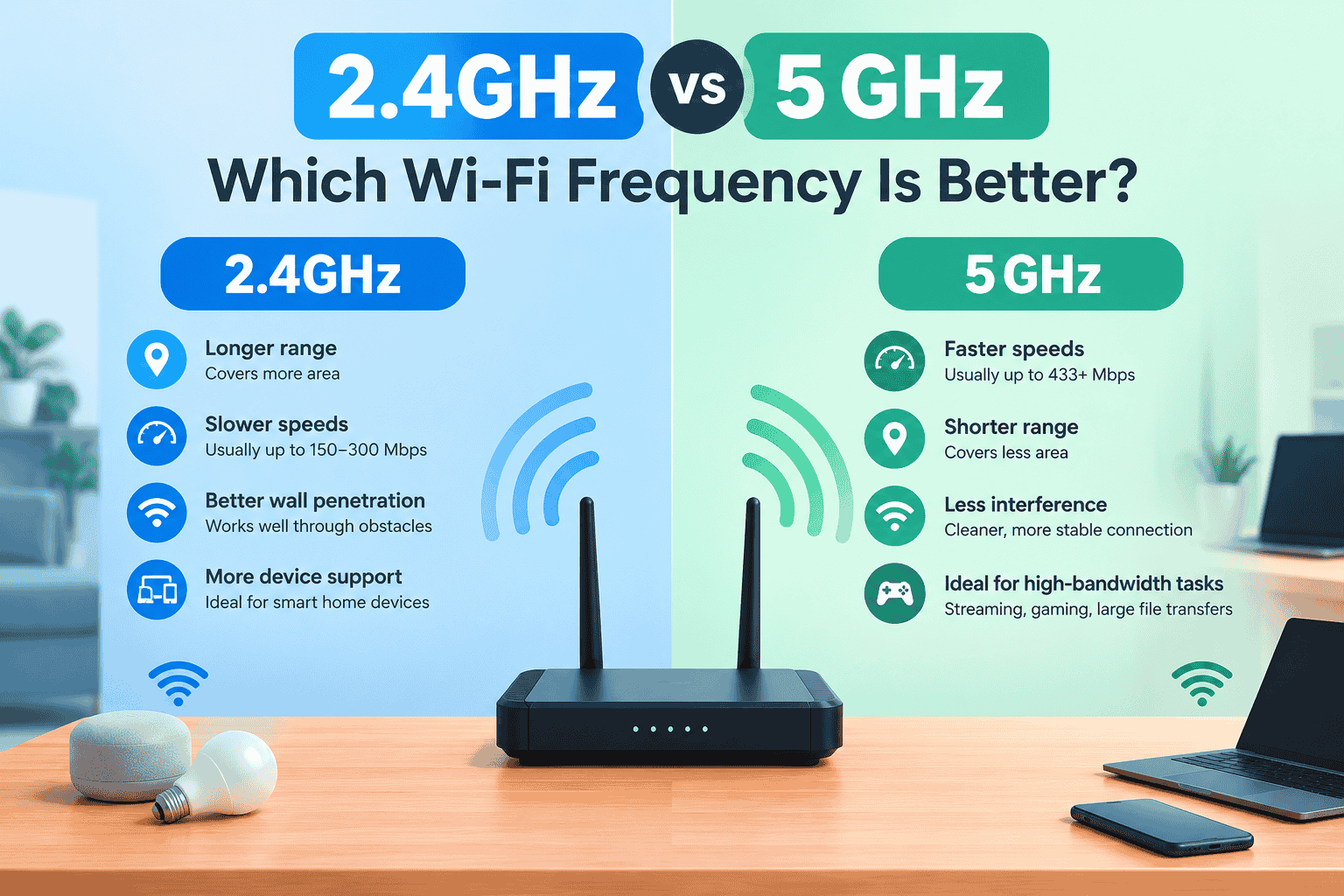
Choosing the right Wi-Fi frequency can noticeably affect internet speed, connection stability, and coverage. Most modern routers support both 2.4GHz and 5GHz bands, but each is designed for different situations.
Understanding the difference between 2.4GHz vs 5GHz can help you choose the better option for streaming, gaming, browsing, and connecting smart devices.
What Is 2.4GHz Wi-Fi?
The 2.4GHz band is an older Wi-Fi frequency that offers better range and penetrates walls better. Because of its longer reach, it works well for devices far from the router.
However, the 2.4GHz band is more likely to experience interference because many household devices and nearby networks use the same frequency.
Advantages of 2.4GHz
- Longer wireless range
- Better wall penetration
- Works well with older devices
- Suitable for smart home devices
- More reliable at greater distances
Disadvantages of 2.4GHz
- Generally slower than 5GHz
- More susceptible to interference
- Can become congested in crowded areas
- Usually offers higher latency
What Is 5GHz Wi-Fi?
The 5GHz band provides faster wireless speeds and typically has less interference than 2.4GHz. It is especially useful when you are close to the router and need a high-speed connection.
The main drawback is its shorter range. Walls and other physical obstacles can weaken a 5GHz signal more quickly.
Advantages of 5GHz
- Faster Wi-Fi speeds
- Lower latency
- Less congestion in many environments
- Ideal for HD and 4K streaming
- Better for online gaming and large downloads
Disadvantages of 5GHz
- Shorter range
- Weaker signal through walls
- Not supported by some older devices
- Performance can drop more quickly with distance
2.4GHz vs 5GHz: Key Differences
| Feature | 2.4GHz | 5GHz |
| Range | Longer | Shorter |
| Speed | Lower | Higher |
| Wall penetration | Better | Lower |
| Interference | Higher | Usually lower |
| Latency | Generally higher | Generally lower |
| Best for | Long-distance connections | High-speed activities |
Which Wi-Fi Band Has Better Range?
2.4GHz has better range because its longer wavelength allows the signal to travel farther and pass through obstacles more effectively.
If your device is located in another room or far away from the router, 2.4GHz may provide a more stable connection than 5GHz.
For larger homes, combining 2.4GHz with a properly positioned router, mesh system, or access point can improve coverage.
Which Wi-Fi Band Is Faster?
5GHz is usually faster than 2.4GHz. It offers wider channels and generally has less congestion, making it better for activities that require higher bandwidth.
For example, 5GHz is a good choice for:
- 4K video streaming
- Online gaming
- Video conferencing
- Large file transfers
- High-speed downloads
Keep in mind that your actual speed also depends on your router, device, internet plan, signal strength, and network congestion.
2.4GHz vs 5GHz for Gaming
For gaming, 5GHz is usually the better choice when your device is reasonably close to the router. Its higher speed and lower interference can help provide a more responsive connection.
If the gaming device is far from the router and the 5GHz signal is weak, switching to 2.4GHz may provide a more stable connection.
2.4GHz vs 5GHz for Streaming
5GHz is generally preferable for streaming because it can provide higher throughput. This is especially useful for high-resolution video, where a consistent connection matters.
For devices located far from the router, however, 2.4GHz can be more dependable when the 5GHz signal cannot reach effectively.
How to Choose Between 2.4GHz and 5GHz
Choose 2.4GHz when range and wall penetration are more important than maximum speed. Choose 5GHz when your device is close to the router and you want faster speeds with less interference.
If your router supports automatic band steering, you can also let it decide which band is best for each compatible device.
How Router Settings Affect Wi-Fi Performance
Router settings can influence how efficiently your wireless network operates. For example, users of public Wi-Fi systems may encounter features such as piso wifi pause time, which temporarily pauses a user’s internet session.
Similarly, incorrect router configuration can cause connection problems, authentication issues, or unnecessary network interruptions. When troubleshooting Wi-Fi performance, review wireless channels, security settings, and connected devices.
Securing Your Wireless Network
Choosing the right frequency is only one part of maintaining a reliable network. Also use strong Wi-Fi security, update your router firmware, and remove unrecognized devices.
If you manage a Piso WiFi system, you may access the administration interface through 10.0.0.0.1 piso wifi, depending on the device configuration. Always protect the administrator account with a strong password and avoid sharing management credentials.
Good security practices help prevent unauthorized network access and keep connected devices safer.
Final Verdict: 2.4GHz or 5GHz?
Neither frequency is universally better.
2.4GHz is better for range, wall penetration, and devices located farther from the router. 5GHz is better for speed, lower latency, streaming, gaming, and high-bandwidth activities when you are closer to the router.
For the best overall experience, use both bands and connect each device to the frequency that best matches its location and requirements.
