
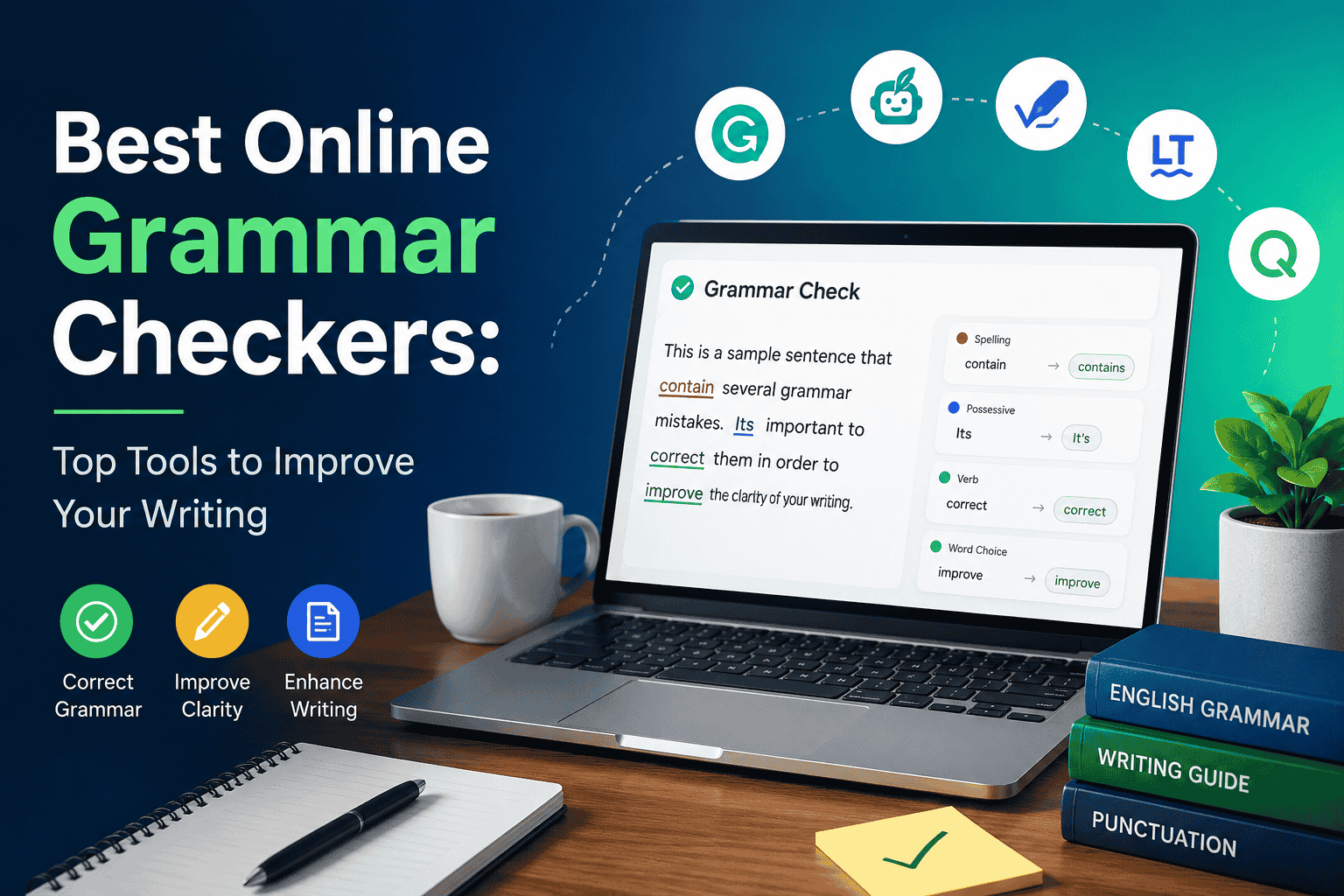
Whether you’re a student, blogger, business professional, or content creator, using the best online grammar checkers can help you write with greater accuracy and confidence. These tools identify grammar, spelling, punctuation, and style mistakes while making your content easier to read.
This guide reviews the top grammar checkers, compares their features, and helps you choose the right option for your writing needs.
Best Online Grammar Checkers
1. Grammarly
Best for: Everyday writing and business communication
Pros
- Excellent grammar and spelling correction
- Tone and clarity suggestions
- Browser extension available
- Works with emails, documents, and websites
Cons
- Many advanced features require a premium plan
2. LanguageTool
Best for: Multilingual writers
Pros
- Supports 30+ languages
- Strong grammar detection
- Free browser extension
- Privacy-friendly
Cons
- Premium version unlocks advanced style suggestions
3. QuillBot Grammar Checker
Best for: Students and content creators
Pros
- Accurate grammar corrections
- Integrated paraphrasing tool
- Easy-to-use interface
Cons
- Limited advanced editing in the free version
4. ProWritingAid
Best for: Authors and long-form writers
Pros
- Detailed writing reports
- Style analysis
- Readability improvements
Cons
- The interface may feel overwhelming for beginners
5. Ginger Software
Best for: Everyday proofreading
Pros
- Grammar and spelling correction
- Sentence rephrasing
- Translation support
Cons
- Free version has usage limits
6. Hemingway Editor
Best for: Readability improvement
Pros
- Highlights lengthy sentences
- Identifies passive voice
- Improves readability
Cons
- Limited grammar correction
7. SeoToolzz
Best for: Academic writing
Pros
- Strong grammar detection
- User-friendly interface
- No sign-up required
Cons
- Limited writing enhancement features
8. Linguix
Best for: Business teams
Pros
- Team collaboration
- Grammar correction
- Writing analytics
Cons
- Some premium features require a subscription
9. Writer
Best for: Brand consistency
Pros
- Style guides
- Team collaboration
- Brand voice management
Cons
- Designed mainly for organizations
10. Scribens
Best for: Free grammar checking
Pros
- Free to use
- Grammar correction
- Vocabulary suggestions
Cons
- The interface looks outdated
Best Grammar Checker Software Comparison
| Tool | Best For | Free Version | Premium Features |
| Grammarly | General writing | Yes | Advanced editing, tone, plagiarism |
| LanguageTool | Multilingual writing | Yes | Advanced style suggestions |
| QuillBot | Students | Yes | Premium rewriting tools |
| ProWritingAid | Authors | Limited | Detailed reports |
| Ginger | Proofreading | Limited | Unlimited corrections |
| Hemingway | Readability | Yes | Desktop app |
| Scribbr | Academic writing | Yes | Additional writing tools |
| Linguix | Teams | Yes | Business collaboration |
| Writer | Businesses | Limited | Brand management |
| Scribens | Personal writing | Yes | Enhanced editing |
Differences Between the Top Grammar Checkers
| Feature | Grammarly | LanguageTool | QuillBot | ProWritingAid |
| Grammar Accuracy | Excellent | Excellent | Excellent | Very Good |
| Style Suggestions | Excellent | Very Good | Good | Excellent |
| Readability | Very Good | Good | Good | Excellent |
| Multiple Languages | Limited | Excellent | Limited | Limited |
| Best For | Professionals | Multilingual users | Students | Authors |
Grammar Checker Reviews
Grammarly
A well-rounded editor with accurate grammar suggestions and an intuitive interface. Ideal for professionals and students.
LanguageTool
Excellent multilingual support, strong grammar detection, and flexible integrations.
QuillBot
A reliable choice for users who need grammar checking and paraphrasing on a single platform.
ProWritingAid
Perfect for long-form writing, offering detailed reports that improve writing style over time.
Hemingway
Best suited for improving sentence clarity rather than correcting grammar.
How to Choose the Best Grammar Checker Software
When selecting the best grammar checker software, consider:
- Accuracy of grammar corrections
- Ease of use
- Browser and document integrations
- Writing style suggestions
- Free vs. premium features
- Language support
The right tool depends on your writing goals, whether you’re creating blog posts, academic papers, emails, or professional documents.
Frequently Asked Questions
Which is the best online grammar checker?
Grammarly, LanguageTool, and QuillBot are among the most reliable options because they provide accurate grammar correction, spelling checks, and writing suggestions.
Are free grammar checkers accurate?
Most free grammar checkers handle common grammar and spelling errors effectively, although premium plans usually offer more advanced suggestions for style and clarity.
Which grammar checker is best for students?
QuillBot and Scribbr are excellent choices for students because they combine grammar correction with writing improvement features.
Can grammar checkers replace human editors?
No. Grammar checkers are excellent for identifying common writing mistakes, but human editing is still recommended for important academic, legal, or professional documents.
